Here’s a short tutorial on how to sign up and navigate Lofter, which is like the Chinese version of Tumblr! It’s not as popular as Weibo, but you can find a variety of Chinese artists there. Anyway you can choose to use either the app or the site ->
APP TUTORIAL
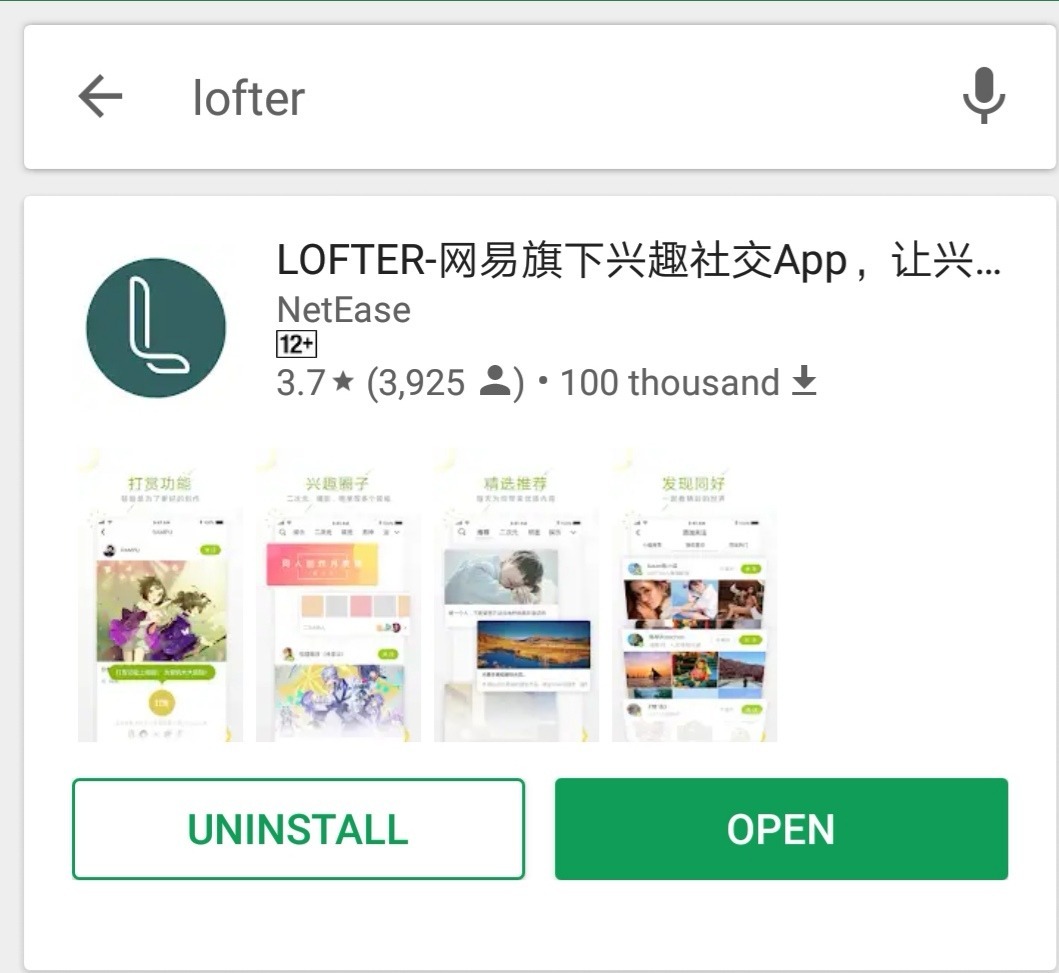
Firstly just download the app from your app store
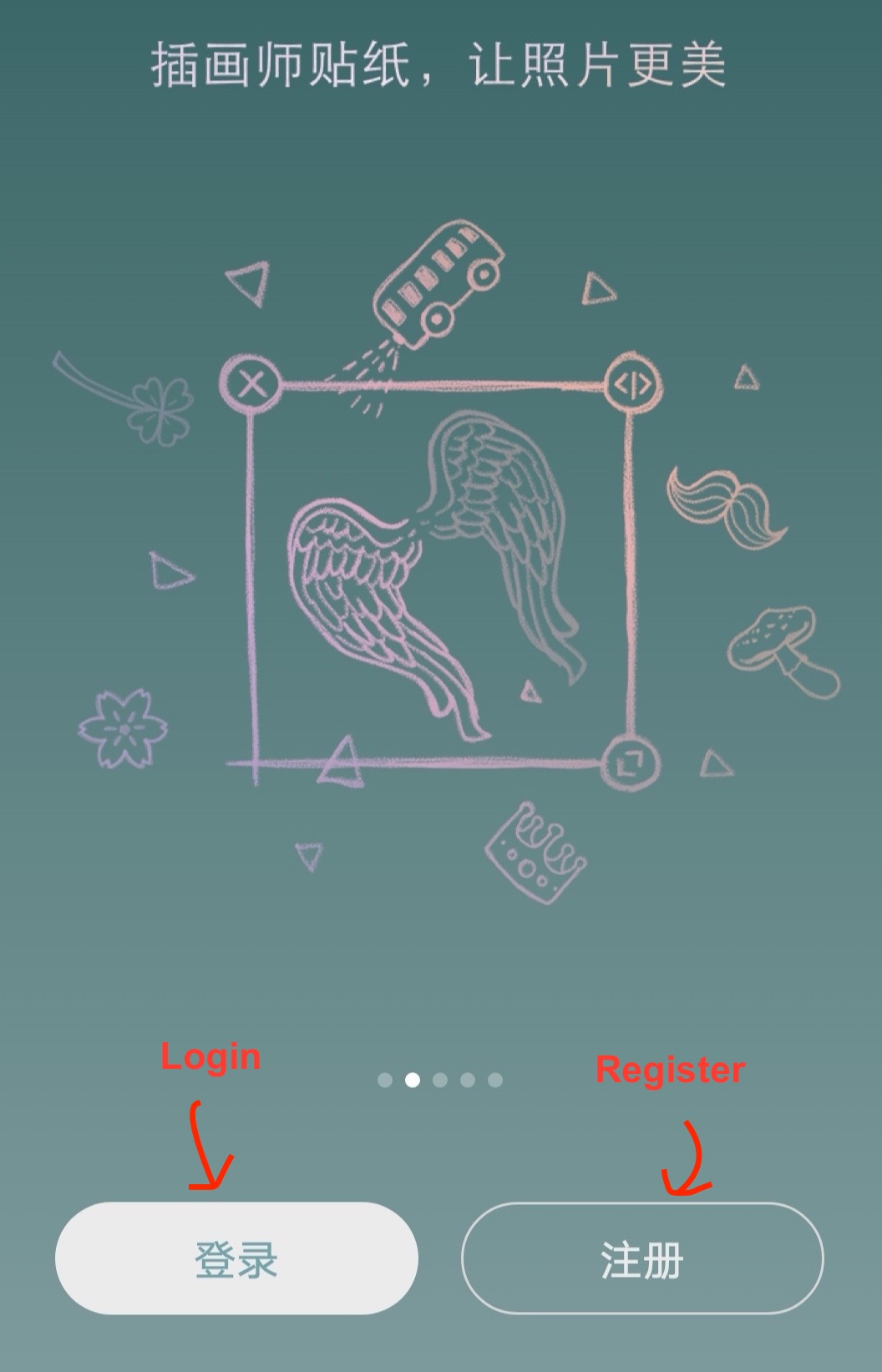
If you are using the app to register, you will come to this page:
Click 注册 and it will lead to this:
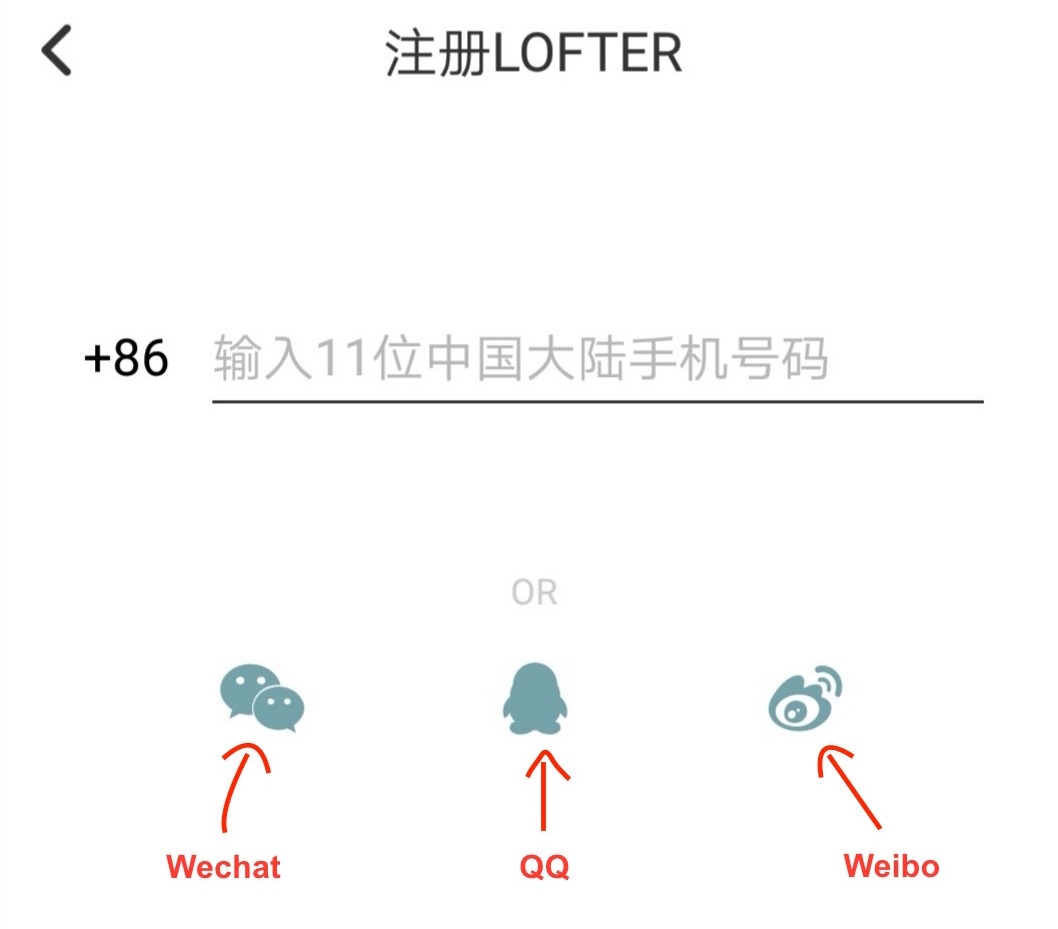
You can register an account using your WeChat/ QQ/ Weibo account (or register using a Chinese phone number, which I assume all of us don’t have). I registered using WeChat, just click on the icon and your account will be set up! After that just key in your username and you are done.
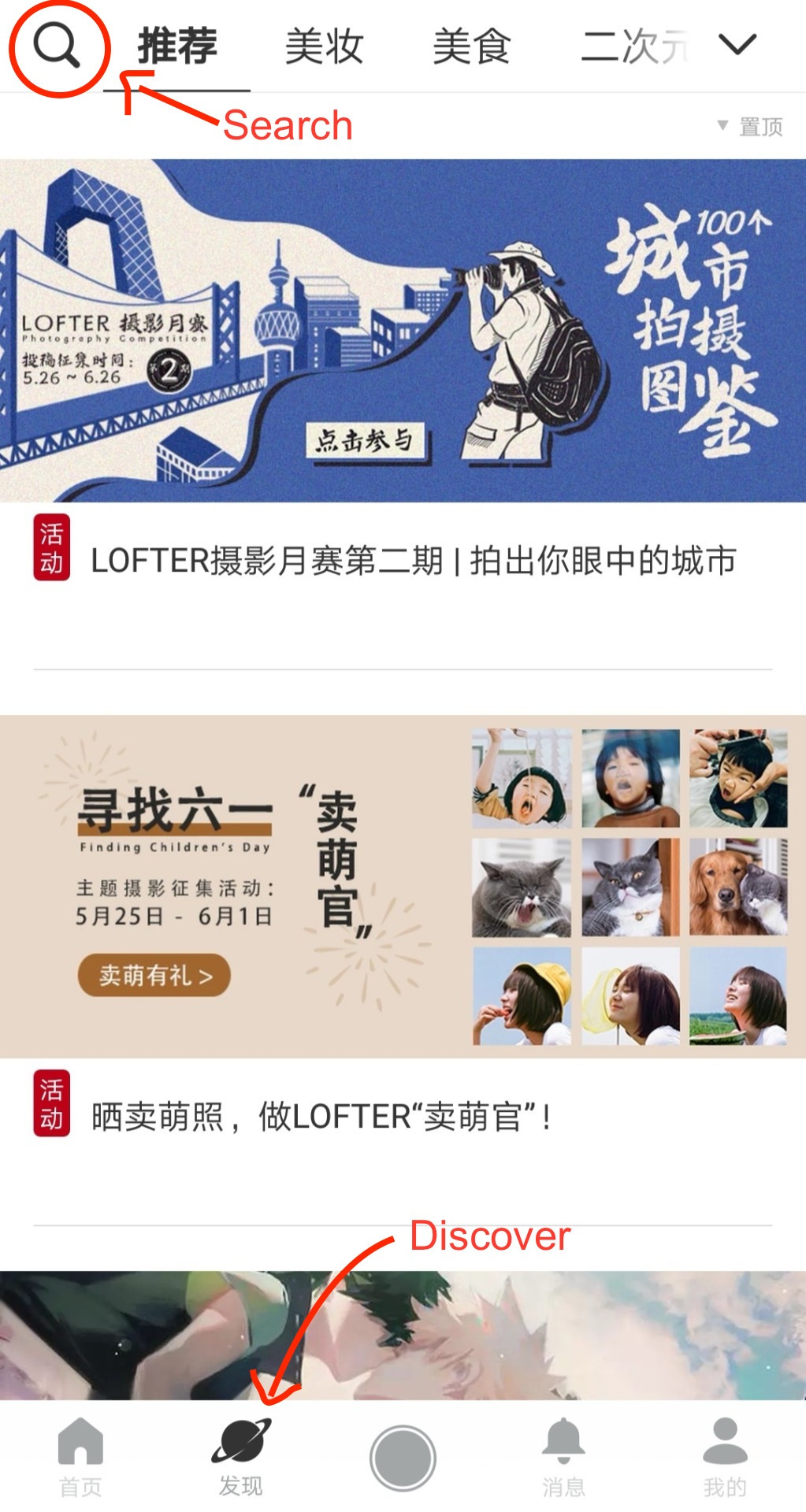
On the app page the icons at the bottom of the page are home, discover, news and your account. To search for the users/ tags you want to follow go to the discover page and click on search
Anyway things get kind of tricky here because most of the usernames and tags are written in Chinese… I’ll just link Djun’s and a few other artists’ blog below so you can check them out without typing in Chinese 😂😂
SITE TUTORIAL
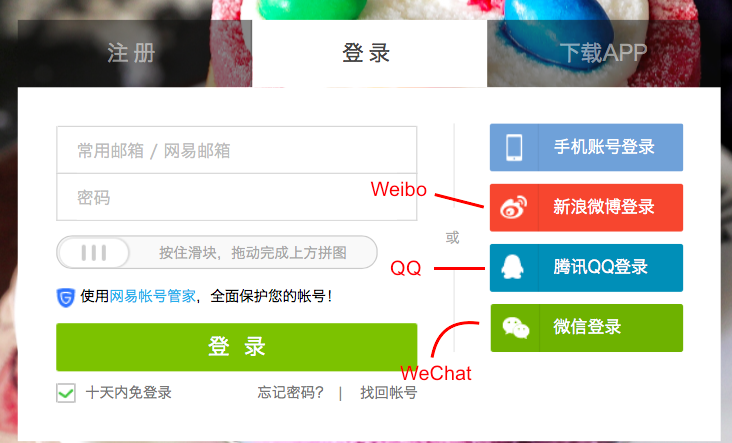
Similarly if you use the Lofter site to register an account you will see a similar page (you can use your email to register an account if you are using the site!):
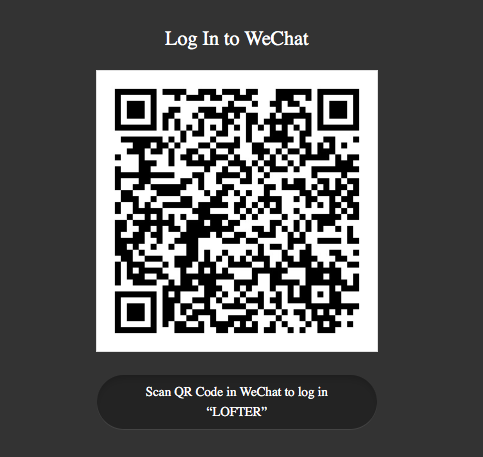
If you used WeChat to set up your account like me click on the WeChat button and there will be a QR code available for you to scan:
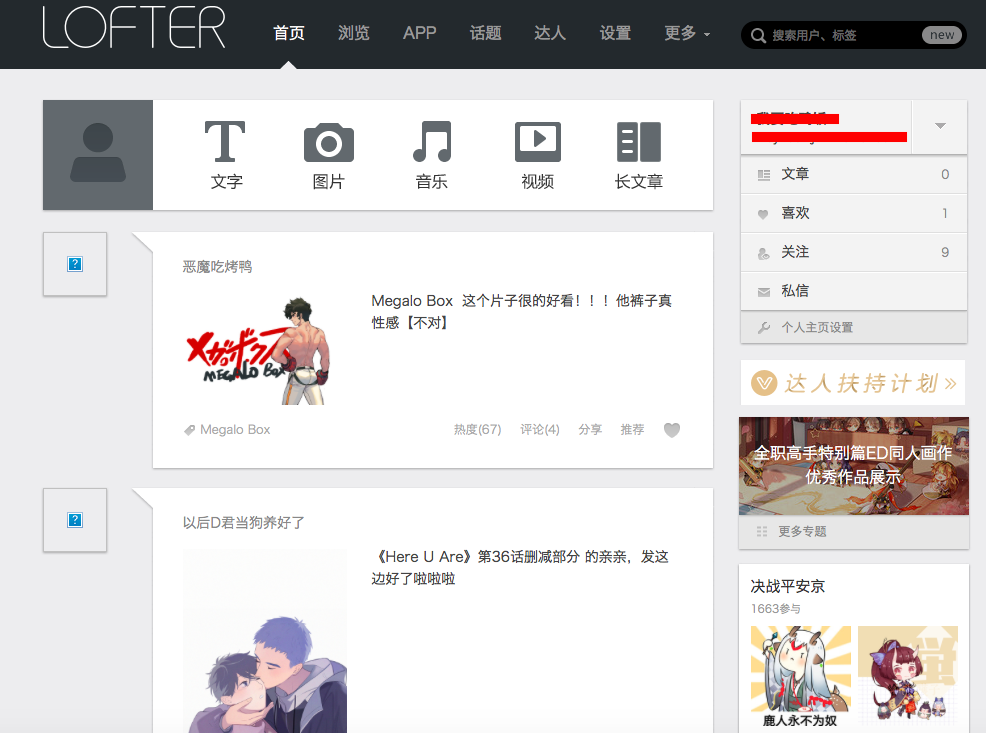
Just scan it with your WeChat app and you will be able to log in, you will be directed to your Lofter dashboard:
Anyway here’s Djun Lofter and a couple of other BL/interesting artists for you to check out if you are interested!

 lanablack